API & Integration
Importing Products from China to Shopify
Learn how to import products from Taobao, 1688, and Poizon into Shopify using a ready-made app. Transfer product images, descriptions, prices, and variants.
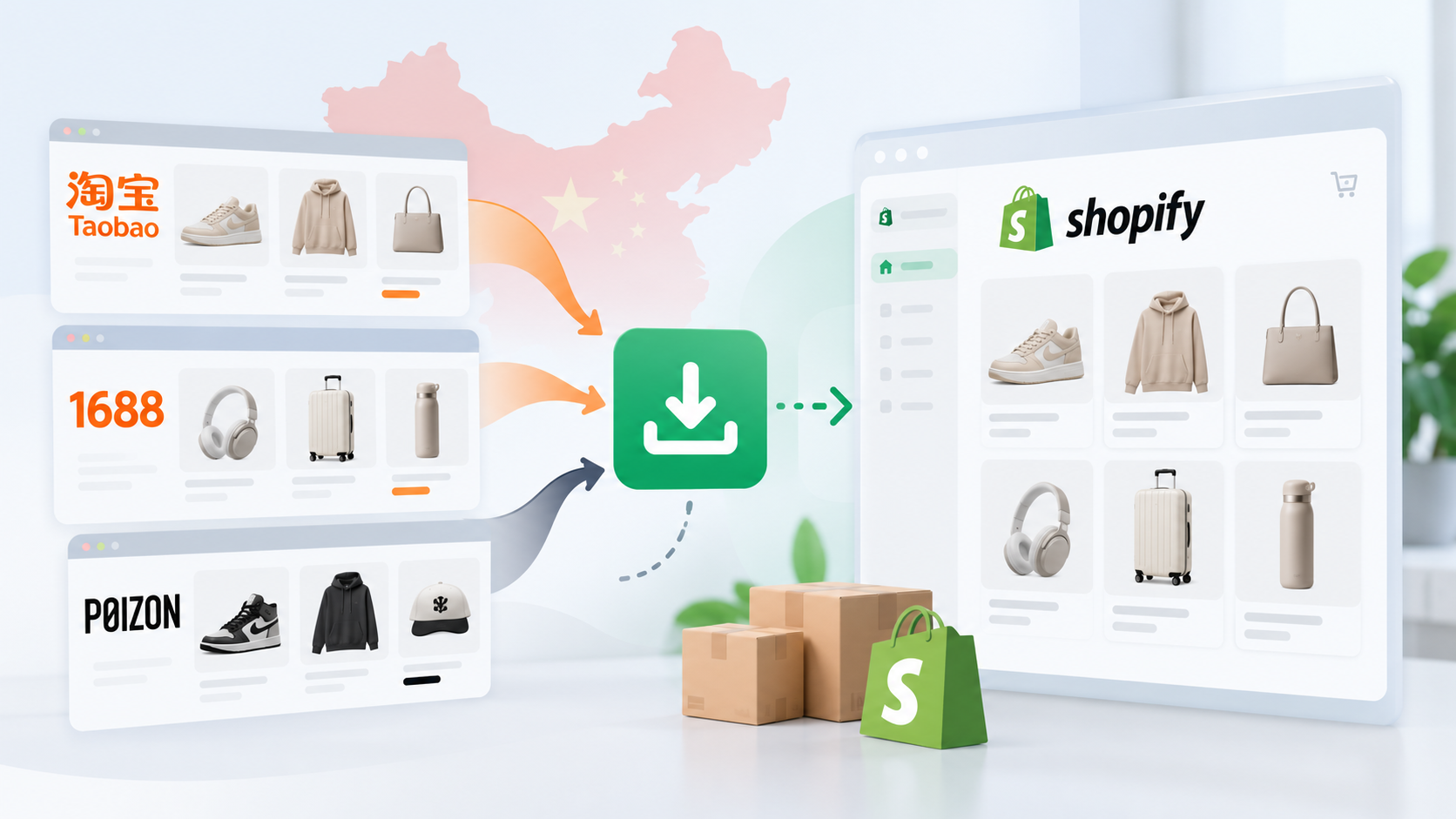
Chinese marketplaces such as Taobao, 1688, and Poizon (Dewu) offer a wide range of products that can be used to build an online store's catalog. However, if your store runs on Shopify, an important question arises: how can you import products from Chinese marketplaces while preserving images, descriptions, prices, specifications, and available variants?
For a small catalog, products can be added manually. But when you need to import dozens or hundreds of items, this approach becomes time-consuming. Additionally, products on Chinese marketplaces often come in multiple sizes, colors, or configurations, each potentially having a different price.
To automate this process, Shopify offers specialized apps that retrieve product data from marketplaces and use it to create product listings in your online store.
Which Chinese Marketplaces Can Be Used with Shopify?
Chinese marketplaces differ in their product ranges, purchasing conditions, and how product information is organized.
Taobao is a major Chinese marketplace primarily focused on the domestic market. It offers clothing, footwear, electronics, home goods, accessories, and many other product categories. The platform is particularly useful for online stores looking to build a diverse catalog of consumer products.
1688 is a wholesale marketplace featuring manufacturers, factories, and suppliers. Unlike retail platforms, 1688 often offers wholesale pricing, minimum order quantities, and special purchasing conditions for bulk orders.
Poizon (Dewu) is a Chinese marketplace known for its selection of branded sneakers, clothing, and accessories. It is particularly relevant for stores specializing in sportswear, streetwear, and popular fashion brands.
All three platforms can serve as sources of product information. However, importing a product catalog does not automatically provide integration with their ordering or shipping systems.
What Product Data Needs to Be Imported into Shopify?
A Shopify product listing typically contains more than just a name and price. A complete product catalog may require:
Product titles and descriptions — essential information about each item.
Images — product photos and images of available variants.
Prices — pricing information obtained from the original listing.
Specifications — materials, sizes, colors, and other product attributes.
Product variants (SKUs) — individual combinations of attributes, such as size and color.
Product variants require particular attention. For example, sneakers may be available in multiple sizes, with different prices and availability for each option.
During import, this information must be correctly converted into Shopify's product structure so customers can select the appropriate variant.
It is also important to consider that original product information may be in Chinese, while prices are usually listed in Chinese yuan (CNY). Before publishing products, you may need to translate descriptions, convert currencies, and adjust retail prices.
How to Import Products from Chinese Marketplaces into Shopify
One way to transfer product data is by using a ready-made app from the Shopify App Store.
For example, SetaLabs Dropshipping Importer is designed to import products from Taobao Global, 1688, and Poizon into Shopify.
To use the app, you need to have your own Shopify store. The app is installed directly into an existing Shopify store and uses its product catalog to store imported items.
The general process involves the following steps:
Create a Shopify store. If you don't already have one, register at Shopify and complete the initial setup.
Install the app. Open SetaLabs Dropshipping Importer in the Shopify App Store, install it, and approve the required permissions.
Select products. Find products on a supported Chinese marketplace and use the import method provided by the app.
Import product data. Transfer available product information, including images, descriptions, prices, and variants.
Review product listings. Check that all information has been imported correctly, adjust pricing, and prepare the products for publication.
Once imported, products become part of your Shopify catalog and can be managed using Shopify's standard tools.
What to Consider After Importing Products
Automated product imports significantly reduce manual work, but they do not solve every challenge associated with selling products from China.
Price and Availability Updates
Prices on Chinese marketplaces can change, and certain sizes, colors, or configurations may become unavailable.
It is therefore important to regularly check whether imported product information remains accurate. For larger catalogs, you should establish a process for monitoring changes to the original listings.
Retail Pricing
The price displayed on Taobao or 1688 does not necessarily reflect the final cost of sourcing a product.
When calculating your retail price, you should consider domestic shipping within China, international logistics, transaction fees, potential customs duties, and your profit margin.
For products with multiple variants, pricing may need to be calculated separately for each SKU.
Translation and Product Description Adaptation
Product titles and specifications from Chinese marketplaces are not always suitable for direct publication in an international online store.
In addition to translation, you may need to adapt size charts, measurement units, and technical specifications for your target market.
Order Fulfillment and Shipping
It is important to distinguish between importing products and fulfilling customer orders.
Importing a product listing into Shopify does not mean that a customer's order will automatically be placed on Taobao, 1688, or Poizon.
Purchasing and delivering products may require a sourcing agent, purchasing intermediary, or a separate logistics arrangement.
When Should You Use a Product Import App?
Ready-made apps are particularly useful when you need to build a product catalog quickly without developing a custom integration.
This approach works well for launching a new Shopify store, expanding an existing product range, or testing demand for specific product categories.
However, before choosing an app, it is worth checking which marketplaces it supports, what product information it can import, whether product updates are available, and what limitations apply to catalog size.
For Taobao Global, 1688, and Poizon, one available option is SetaLabs Dropshipping Importer.
Conclusion
Chinese marketplaces can serve not only as sources for purchasing products but also as valuable sources of product information for building a Shopify catalog.
Ready-made apps help automate the import of product titles, images, specifications, prices, and variants, significantly reducing manual work.
At the same time, store owners still need to manage pricing, monitor product availability, arrange purchasing, and organize shipping. Combining accurate product imports with well-planned order fulfillment processes makes it possible to use Chinese marketplaces effectively when building and growing a Shopify store.