API & Integration
OpenCart Integration with Taobao and Other Chinese Marketplaces via API
Discover how to integrate Taobao, 1688, and other Chinese marketplaces with OpenCart via API to streamline product imports, manage variants, and keep your store catalog up to date.
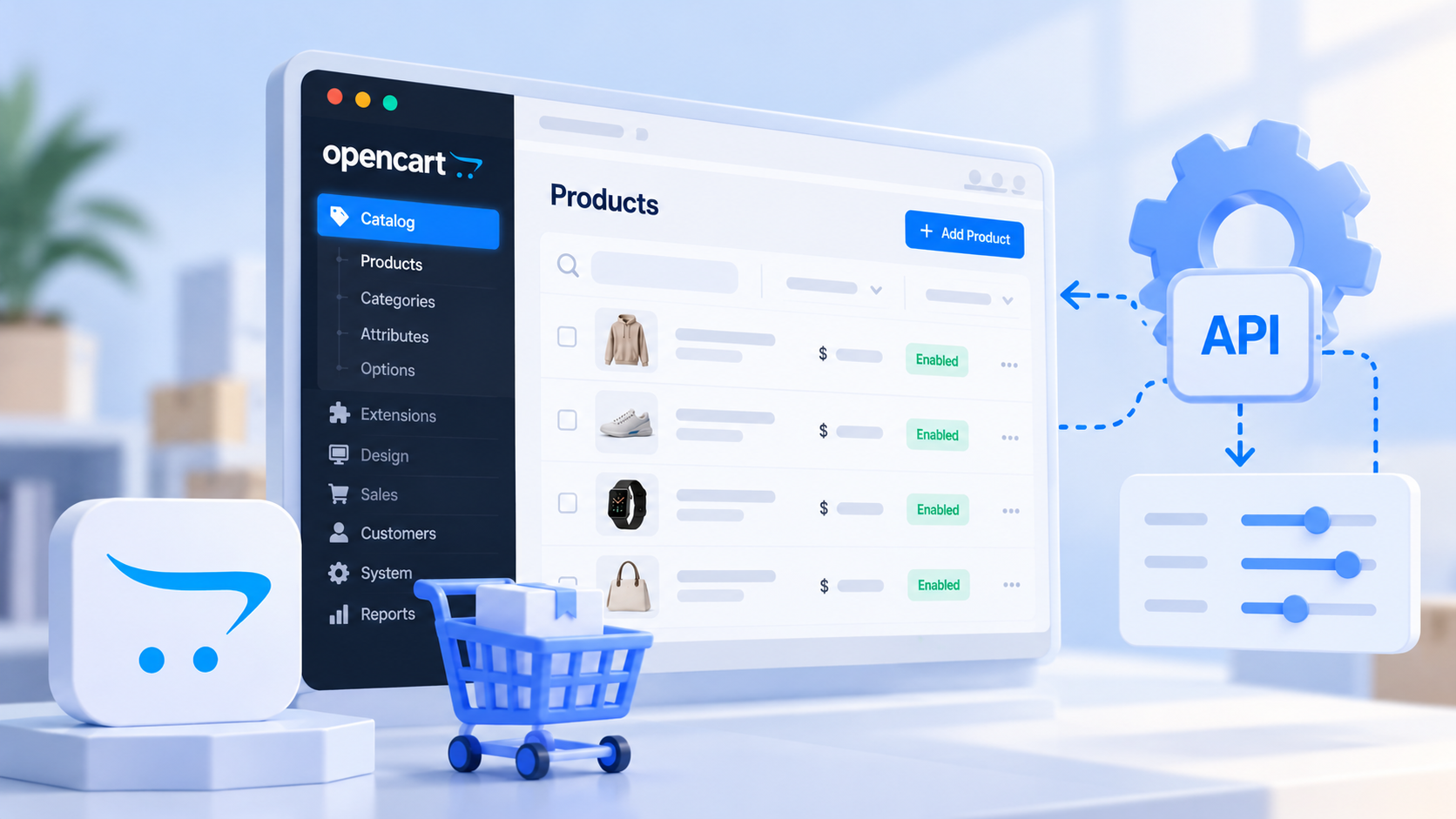
OpenCart is a popular open-source e-commerce platform. It allows online store owners to manage products, categories, prices, specifications, and orders while extending functionality through additional modules.
Chinese marketplaces such as Taobao, 1688, and Alibaba offer a vast selection of products that can be used to build an online store catalog. However, manually transferring product names, descriptions, images, prices, and specifications can be time-consuming.
API integration helps automate product data retrieval and use this information to build and manage an OpenCart catalog.
How to Connect Taobao to OpenCart via API
To retrieve product information from Taobao, you can use specialized API services such as Setalabs, which also supports 1688, Alibaba, and other marketplaces.
Through the API, you can retrieve:
Product listings — search results by keywords and categories.
Product details — names, descriptions, images, and specifications.
Prices — product prices and prices for individual variants.
SKUs and variants — sizes, colors, and other product options.
Seller information — details about stores and suppliers, when available.
The retrieved data must be converted into a format compatible with OpenCart. This requires an integration module that processes API responses and creates or updates product pages.
How to Organize Product Imports
The product import process can be divided into several steps.
1. Data retrieval. The integration module sends requests to the marketplace API and receives information about selected products.
2. Data processing. Product names and descriptions can be translated, specifications mapped to OpenCart attributes, and marketplace categories matched with the store's category structure.
3. Price calculation. Product prices are converted into the required currency, taking into account exchange rates, shipping costs, fees, and profit margins.
4. Product creation. The processed data is saved in the OpenCart catalog, including images, specifications, and available options.
5. Product updates. Repeated API requests allow the store to check for changes in prices, availability, and other product information.
To prevent duplicate products, it is recommended to store the original marketplace product identifier.
Working with Product Variants
Products on Chinese marketplaces often have multiple variants with different prices and specifications.
For example, sneakers may be available in several colors and sizes. Each combination can have its own SKU, price, and availability information.
OpenCart supports product options, but its standard functionality may not be sufficient to manage independent SKUs with separate prices and stock levels. In such cases, an additional extension or custom variant-handling logic may be required.
When importing products, it is important to preserve the original SKU identifiers to ensure that variants are correctly matched during future updates.
Updating Prices and Product Information
Prices and product availability on marketplaces can change, so imported products should be updated periodically.
For example, a scheduled cron job can check products through the API and update their information in OpenCart.
It is also useful to separate automatically updated fields from manually edited content. Prices and availability can be synchronized, while product names, descriptions, and SEO metadata can remain unchanged if they have been customized for the online store.
The update frequency should be determined based on catalog size, API limits, and request costs.
Product Import vs. Dynamic Catalog
There are two main approaches to using marketplace data in OpenCart.
Product import involves storing product information in the online store's database. This approach makes it easier to manage the catalog, edit product pages, and optimize them for search engines.
A dynamic catalog retrieves information through API requests or uses caching. This approach makes it possible to work with a large product assortment without storing every product locally, but it creates greater dependence on the availability and performance of the external API.
A hybrid approach is also possible, where basic product information is stored in OpenCart while prices and availability are checked separately.
Connecting Multiple Marketplaces
An online store can use not only Taobao but also other marketplaces, such as 1688, Alibaba, JD, and AliExpress.
When working with multiple sources, a unified API can simplify integration by providing product data in a consistent structure. This reduces development effort and allows the same import logic to be reused across different marketplaces.
However, marketplace-specific differences, including SKU structures, categories, and available product attributes, still need to be considered.
Conclusion
Integrating OpenCart with Chinese marketplaces through an API helps automate product imports, catalog creation, and product information updates.
When developing an integration, it is important to properly handle product data, category and variant mapping, price calculations, and synchronization.
To retrieve product data from Taobao, 1688, Alibaba, and other marketplaces, you can use Setalabs API. Detailed information about available API methods can be found in the documentation.